Converting PDFs
How to Convert a PDF to EPUB for Kindle and Other E-Readers
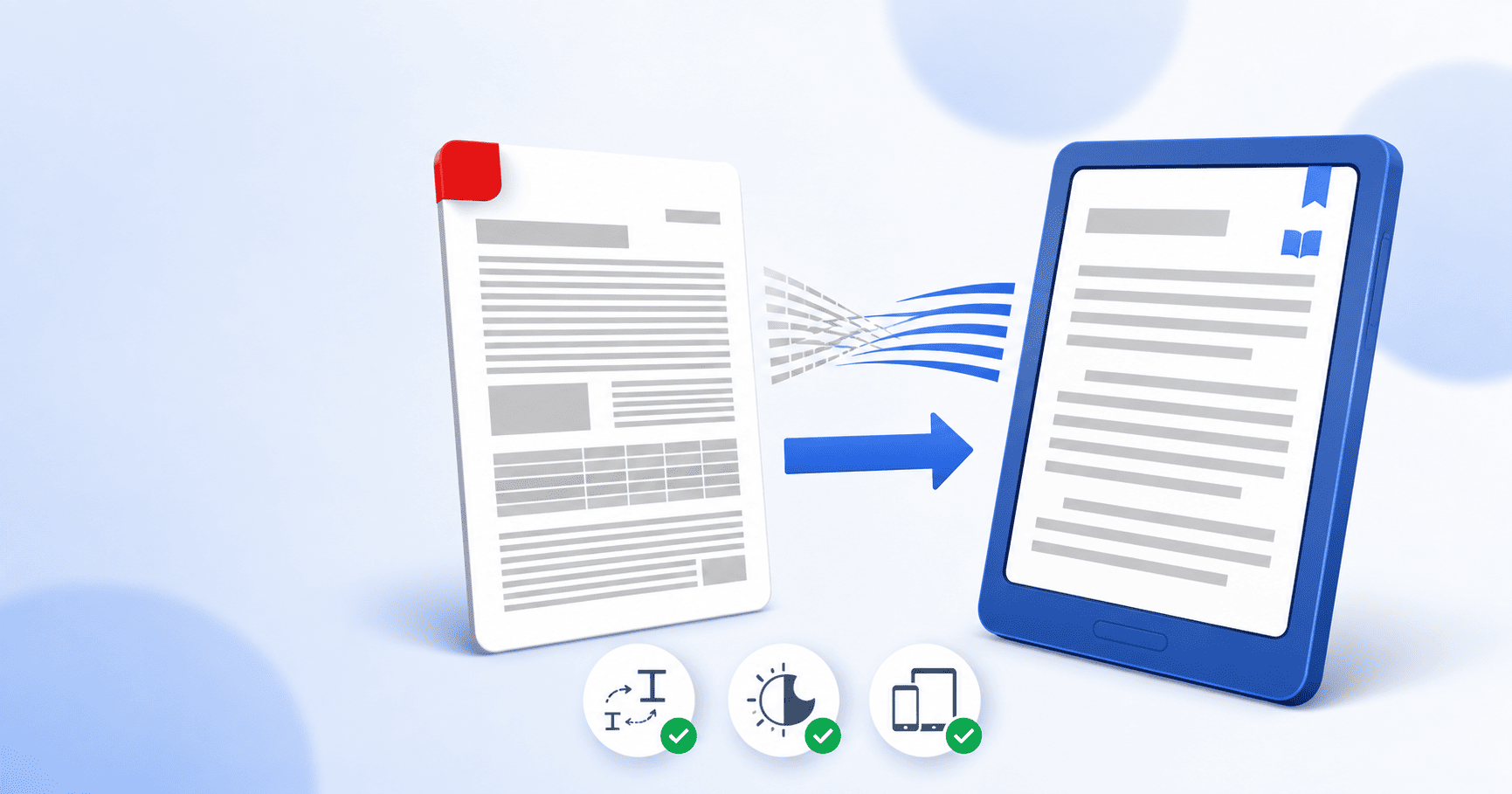
To convert a PDF to EPUB, upload your PDF to a PDF-to-EPUB converter, choose the reflowable option, convert, and download the .epub. Unlike a PDF's fixed pages, an EPUB reflows its text to fit any screen and font size, which is what makes it readable on a Kindle, Kobo, phone or tablet. Text-based PDFs like novels and reports convert cleanest; heavily designed or scanned PDFs need extra care. This guide walks through the conversion and how to get a clean, e-reader-ready result.
Updated August 26, 2026 · 7 min read
Reading a PDF on a Kindle or a phone is miserable. The page is a fixed size, so the text stays locked to that size while you pinch, zoom and scroll sideways just to follow a sentence. A PDF was built to look identical on paper, not to adapt to a six-inch screen. EPUB was built for exactly that, and converting your PDF is how you get there.
This guide covers how to do the conversion, why EPUB reads so much better on a small screen, and how to know in advance whether your particular PDF will convert cleanly.
Why EPUB beats PDF on an e-reader
The one word that explains everything is reflowable. A PDF is fixed-layout: every line break and font size is frozen in place, so a small screen has to shrink the whole page or make you scroll. An EPUB stores the text as text and lets the reading app decide how to lay it out, so the words rewrap to fit whatever screen and font size you're using.
- Text resizes to your preferred font without breaking the layout, which matters most for long reading sessions.
- It fits any screen, from an e-ink Kindle to a phone in portrait mode, with no pinching or sideways scrolling.
- Dark mode and margins are yours to control, because the reader app owns the layout, not the file.
- It's more accessible: screen readers navigate an EPUB's headings and text far better than a PDF's frozen page.
- It's gentler on e-ink, since reflowed text renders more efficiently and saves battery.
Which PDFs convert cleanly (and which fight back)
This is the part worth understanding before you start, because it saves disappointment. Reflowing a PDF means pulling the text out and letting it rewrap, and that works beautifully for some documents and poorly for others.
| PDF type | How well it converts |
|---|---|
| Novels, reports, research papers (single column, mostly text) | Cleanest. This is exactly what reflowable EPUB is for. |
| Documents with simple images and headings | Very good. Images embed and headings become chapter markers. |
| Multi-column academic papers | Mixed. Reflow can scramble column order; worth checking the result. |
| Magazines, brochures, heavy design | Poor as reflowable text. The layout is the content, and reflow discards it. |
| Scanned PDFs (no real text) | Needs OCR first, or you'll get an image with no readable text. |
Converting your PDF to EPUB, step by step
- 1
Open the PDF to EPUB tool
Go to the PDF to EPUB converter. It runs in your browser, with no account and no email required to start.
- 2
Add your PDF
Click Select PDF files or drag your PDF onto the page. You can queue more than one if you have a few books to convert.
- 3
Choose your conversion option
Pick the option that fits your file. For a text-based book or paper, the layout-preserving Premium conversion gives the best reading result. Optionally, name the output file.
- 4
Convert
Click Convert PDF to EPUB and wait while the tool extracts the text, detects headings and builds the EPUB structure.
- 5
Download your EPUB
Download the finished .epub. It opens in Apple Books, Kobo, Calibre and any EPUB-compatible reader, and can be sent to a Kindle (see below).
Getting your EPUB onto a Kindle
Kindles read EPUB now. Since Amazon retired the old MOBI format, the way to get an EPUB onto a Kindle is Amazon's own Send to Kindle, which accepts EPUB directly and converts it to Kindle's internal format for you.
- Convert your PDF to EPUB and download the .epub file.
- Open Send to Kindle: email it to your personal Send-to-Kindle address, use the web uploader at the Send to Kindle page, or the mobile app.
- The book appears in your library across your Kindle devices and apps, reflowable and resizable like any Kindle book.
What about scanned PDFs?
A reflowable EPUB needs real text to reflow. A scanned PDF has none, it's just an image of a page, so converting it directly gives you an ebook you can't resize and a screen reader can't read. The fix is OCR, which recognises the text in the image and turns it into selectable characters.
If your PDF is scanned, run it through OCR first to add a real text layer, then convert the result to EPUB. Not sure whether yours is scanned? Try to select a line of text with your cursor. If nothing highlights, it's an image and needs OCR.
Check these before you settle in to read
Open your new EPUB in a reader and skim it once before committing to a long read. The things most likely to need attention:
- Does the text reflow when you change the font size? If it does, the core conversion worked.
- Do chapters and the table of contents let you jump around, or is it one long stream?
- Did any multi-column sections keep their reading order, or did the columns interleave?
- Are images present and roughly where they belong?
- If it was scanned, is the text actually selectable, or did it come through as pictures?
The short version
A PDF is built for paper; an EPUB is built for screens. Converting turns a fixed page into reflowable text that resizes to any device, which is what makes a Kindle, Kobo or phone comfortable to read on. Text-based PDFs convert cleanest, scanned ones need OCR first, and heavily designed ones are better kept as PDFs. Convert the right file the right way and you get an ebook that reads like it was made for your reader.
Frequently asked questions
How do I convert a PDF to EPUB?
Open a PDF-to-EPUB converter, add your PDF, choose the reflowable option, convert, and download the .epub. On PDFEquips' PDF to EPUB tool this runs in your browser with no account needed. The output opens in Apple Books, Kobo, Calibre and any EPUB reader.
Can I convert a PDF to EPUB for Kindle?
Yes. Convert the PDF to EPUB, then use Amazon's Send to Kindle (by email, the web uploader, or the app) to add it to your library. Modern Kindles read EPUB, and Amazon converts it to its own format on the way in. The result is reflowable and resizable like any Kindle book.
What does reflowable mean, and why does it matter?
Reflowable means the text rewraps to fit whatever screen and font size you're using, instead of being locked to a fixed page like a PDF. It's the whole reason EPUB reads better on small screens: no pinching, no sideways scrolling, and you can set the font as large as you like.
Which PDFs convert to EPUB best?
Text-based, single-column documents like novels, reports and research papers convert cleanest, because their content is text that reflows naturally. Heavily designed PDFs like magazines and multi-column layouts convert poorly as reflowable text, since their layout is part of the meaning.
Can I convert a scanned PDF to EPUB?
Not directly into reflowable text. A scan is an image with no real text, so you need OCR first to recognise the text and add a text layer. Run the scan through OCR, then convert the result to EPUB.
Do I need to install any software?
No. The PDF to EPUB converter runs entirely in your browser, with nothing to download and no account required to start.