Why You Can't Edit a PDF Like a Word Document (and What to Do Instead)

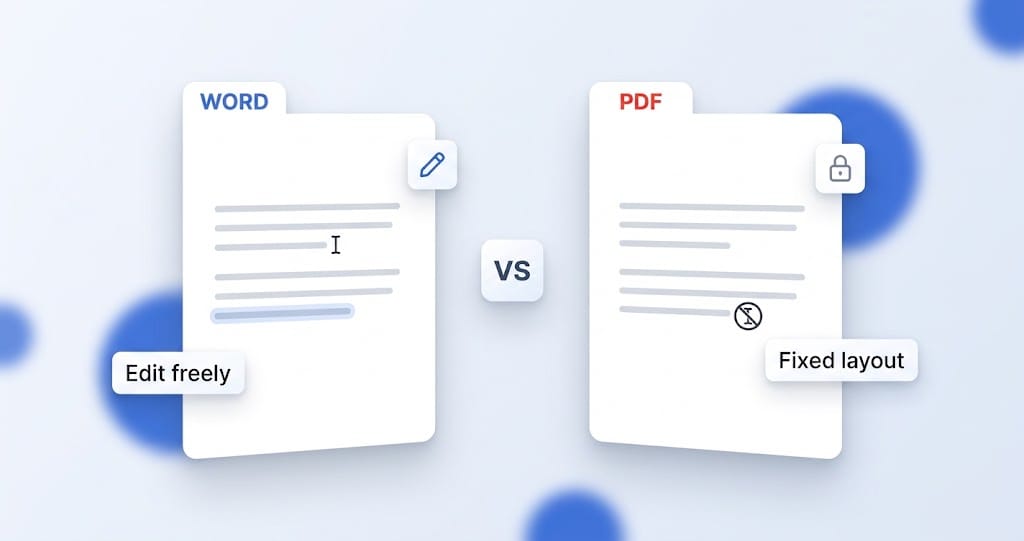
You open a PDF, click on a line of text to fix a typo, and nothing happens. No cursor, no way in. The same action in a Word document would have dropped you straight into editing. It is a genuinely frustrating moment, and it is not a bug or a broken file. A PDF resists editing because of what it fundamentally is, and once that clicks, both the limitation and the way around it makes sense.
A PDF and a Word document are built for opposite jobs
The short version: a Word document is built to be changed, and a PDF is built to stay the same. That single difference explains everything else.
A Word file stores your document as structure. It knows that a block of text is a paragraph, that a run of words is a heading, that a set of cells is a table. It holds the content and the rules for arranging it, and then lets the layout flow to fit. That is why you can type in the middle of a sentence and watch everything reflow around it: the file understands what the content is, so it can rearrange it.
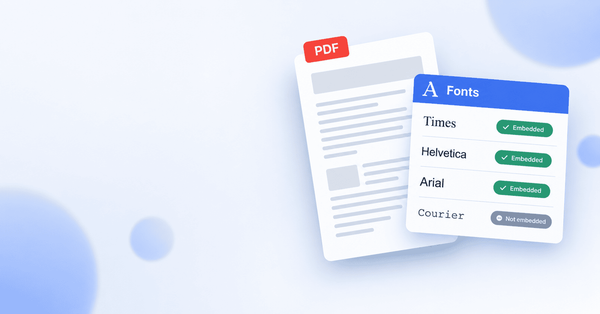
A PDF stores something different. It stores the finished appearance of a page: this character goes at this exact position, in this font, at this size, and so on for every mark on the page. It is closer to a photograph of a laid-out page than to an editable document. The format was designed in the early 1990s precisely so a document would look identical everywhere, on any screen, any printer, any operating system, forever. Fixing the appearance in place is the whole point of the format.
So when you click into a PDF expecting a cursor, the file has no notion of "this sentence" to put a cursor into. It has a set of positioned characters that happen to look like a sentence. That is why ordinary editing does not work: there is nothing structured there to edit in the way a word processor expects.
Why "just convert it to Word" is not the whole answer
The advice you will see most often is to convert the PDF to Word, edit it there, and convert back. Sometimes that is the right move, but it is worth understanding the trade-off, because it is not free.
Converting a PDF to Word means a tool has to look at all those positioned characters and guess the structure back: which lines form a paragraph, which boxes make a table, where the columns are. On a simple, text-only document that guesswork is usually fine. On anything with tables, columns, or real design, the reconstruction is often imperfect, and you end up fixing a broken layout on top of making your actual edit. You also now have two conversions and two files to manage for what might have been a one-word change.
For a heavy rewrite of a text document, converting to Word can genuinely be the better path. But for the common case, changing a line, fixing a typo, updating a figure, filling in a form, there is a more direct option that most of the troubleshooting articles skip.
The direct answer: edit the PDF where it is
You do not have to convert a PDF to change it. A dedicated PDF editor works with the format instead of fighting it, letting you click on the text that is there and change it, while leaving the rest of the page exactly where it sits.
That is what PDFSimplified does. You load the PDF, click directly on a line of text, and retype it, the same gesture that did nothing in your PDF viewer now works, because the editor is built to edit the format rather than just display it. You can also add text, drop in images, draw, and rearrange pages, all without converting anything and without the page shifting around. It runs in the browser, so there is nothing to install for a quick change.
For most of the edits people actually need, this is the shortest path: open, click, type, done. No conversion, no second file, no reconstructed layout to repair.
When each approach makes sense
To put it together, here is the simple way to decide:
- Edit the PDF directly when you are making targeted changes: fixing typos, updating text or numbers, adding a signature or an image, rearranging pages. This is most everyday editing.
- Convert to Word first when you are doing a heavy rewrite of a mostly-text document and you want a word processor's full editing environment, and the layout is simple enough to survive the round trip.
- Run OCR first when the PDF is a scan. A scanned PDF is an image with no real text in it at all, so neither editing nor converting works until OCR turns the picture into actual text.
In short
You cannot edit a PDF like a Word document because the two formats are built for opposite purposes: Word stores a document's structure so it can be changed, while a PDF stores a page's fixed appearance, so it stays the same everywhere. That is by design, not a fault. The usual advice is to convert to Word, but for most edits you do not need to. A PDF editor lets you click the text and change it directly, which for a quick fix is faster and cleaner than converting twice.