What Fonts Does a PDF Use? How to Find Out

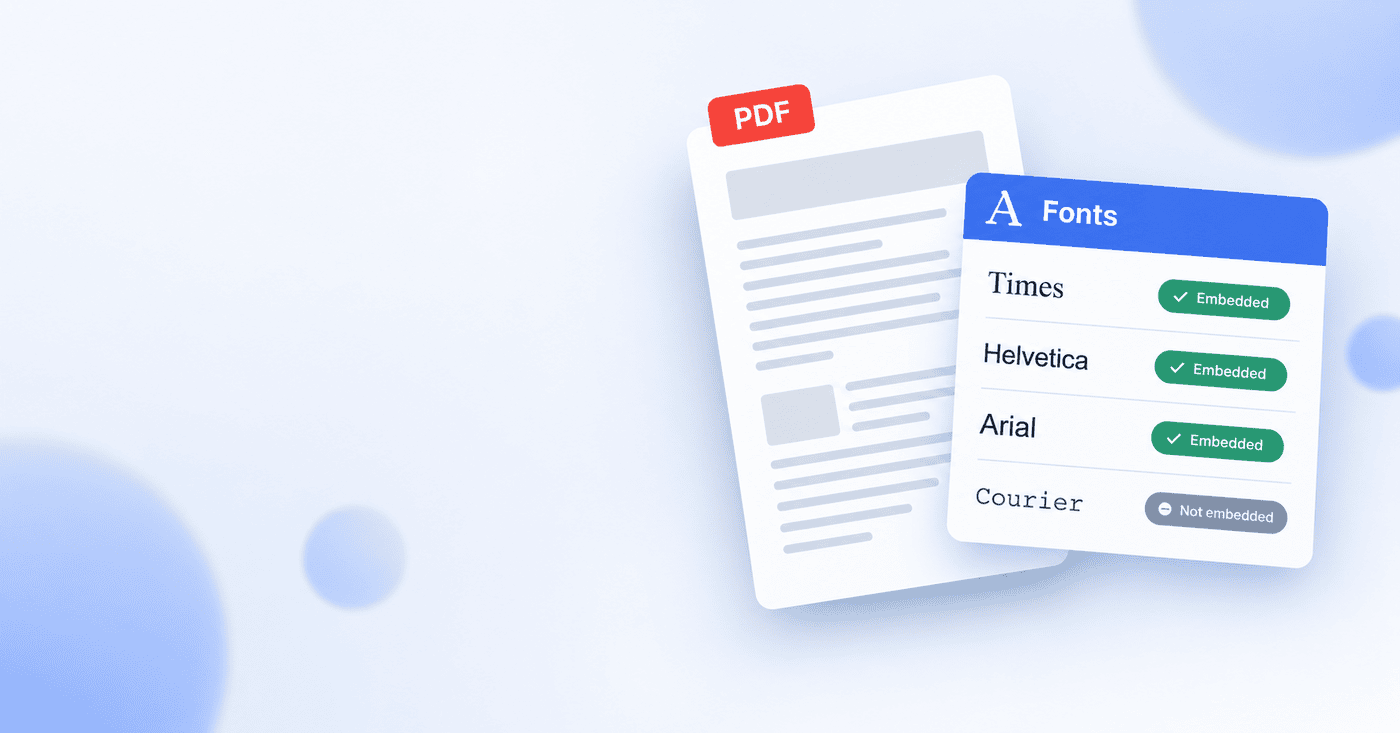
You are looking at a PDF and you need to know what font it uses. Maybe you want to match it in a document of your own, reproduce a brand's look, or work out why the text is not displaying correctly. Whatever the reason, the answer is stored inside the file, and getting it is straightforward once you know where to look. The one thing worth understanding first is that the font name is only half the story.
Finding the font name is the easy part
Every PDF keeps a record of the fonts it uses, listed by name, as part of the file's internal information. You do not have to guess by eye. The name is right there, and a few tools will read it back to you.
The quickest way, without installing anything, is a browser tool that reads the font list out of the file. PDFSimplified has a font extractor that opens your PDF and shows the fonts it contains, so you can see exactly which typefaces are in use in a few seconds.
If you prefer desktop software, most full PDF viewers can show the same thing. In Adobe Acrobat, for example, the font list lives under the document's properties, in a Fonts tab that lists every typeface the file uses. The names may look slightly technical, sometimes with a prefix of random letters, but the underlying font name is usually easy to recognize.
Why the font name is only half the answer
Here is the part most guides skip, and it is the part that actually matters. Knowing a PDF uses a font called, say, "Helvetica" does not tell you whether that font travels with the file. There are two very different situations, and they look identical until something goes wrong.
- The font is embedded. The actual font data is built into the PDF, so the document carries everything it needs to display correctly anywhere, on any computer, whether or not that font is installed.
- The font is not embedded. The PDF only names the font and relies on the viewer's computer having it installed. If that computer does not have it, the viewer substitutes a different font, and the document can shift, look wrong, or reflow.
This is why the same PDF can look perfect on the computer that made it and wrong on another. The font was named but not embedded, and the second computer did not have it, so it guessed. When you check a PDF's fonts, the embedded status is often more important than the name itself.
When each situation matters
Whether a font is embedded, and which font it is, matters in a few specific situations worth recognizing.
- Matching a design. If you are trying to reproduce a look, the font name is what you are after, so you can find and use the same typeface.
- Printing professionally. Print shops usually require all fonts to be embedded, because their equipment will not have your exact fonts and must not substitute them.
- Archiving to PDF/A. The PDF/A standard for long-term archiving requires every font to be embedded, so a non-embedded font is one of the most common reasons a file fails PDF/A validation. If you are preparing an archival file, checking fonts is part of the job, and you can confirm the whole file against the standard with a PDF/A validator.
- Troubleshooting display problems. If a PDF looks wrong on some screens but not others, a non-embedded font is a likely culprit, and the font list tells you which one.
What to do with what you find
Once you know the fonts, the next step depends on why you looked.
If you wanted the name to match a design, you now have it, and can go find that typeface. If you found a font is not embedded and that is a problem, the fix is to re-export or re-create the PDF with font embedding turned on, an option most tools that create PDFs offer, which bundles the font data into the file so it no longer depends on the viewer's computer. And if you were checking for archival or print requirements, the font list tells you whether the file is ready or needs that embedding step first.
In short
A PDF records the fonts it uses by name, and you can read that list in seconds with a browser tool or a desktop viewer. The detail that matters most is whether each font is embedded, built into the file, or merely named and left to the viewer's computer to supply. An embedded font displays correctly everywhere; a non-embedded one can break a document's appearance, fail a print check, or fail PDF/A validation. So when you ask what fonts a PDF uses, check not just the names but whether they travel with the file.